ClipTools: Mobile video utilities for quick, private editing tasks
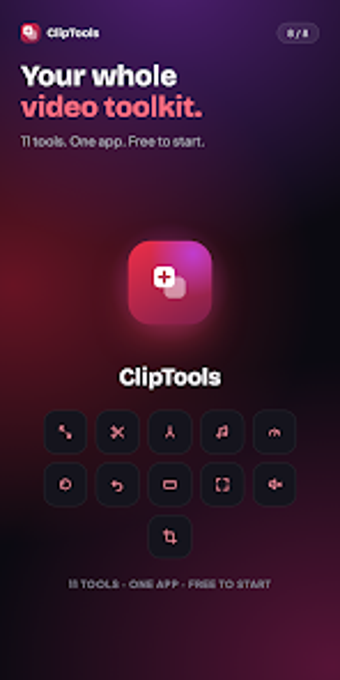
Try ClipTools: Video Toolkit, by Vihanga One, a compact Android app designed for quick video tasks such as compression, trimming, and merging. The app performs on-device processing using native Android media APIs, offering offline, privacy-first exports and background processing for uninterrupted exports. Its focused grid of single-purpose tools targets casual creators and social media users who need fast, private edits without learning a timeline editor.
What the app actually does for everyday video chores
ClipTools is a collection of task-specific utilities, not a timeline editor. The app exposes single-action tools for compression, trim and cut, merge, reframe to common aspect ratios, speed changes, reverse effects, and frame extraction. Each tool opens a picker, applies the operation, and exports to the Movies/ClipTools or Music/ClipTools folders, which fits users who need a targeted result rather than a full editing workflow.
How it interacts with device resources during processing
The tool uses native Android media APIs such as MediaExtractor, MediaMuxer, and MediaCodec to perform work on the device's hardware, which keeps processing local and efficient. Background exports continue when the user switches apps and provide progress notifications. These implementation details indicate the app offloads encoding to platform codecs and avoids cloud uploads while running long operations without requiring the app to remain foregrounded.
Is ClipTools safe and private for sensitive content?
ClipTools runs entirely on-device, so videos are not uploaded to external servers; the app explicitly processes media locally and does not require sign-in. The developer documents local export destinations and offers no cloud dependency, which aligns with users who prioritize privacy and offline use. For operations that change files, the app preserves output locations and does not mention automatic cloud backups.
Can non-technical users complete tasks without risk?
The interface centers on a clean home grid and a pick-a-tool workflow, which removes timeline complexity and reduces the chance of accidental multi-track edits. Presets for compression (1080p, 720p, 480p), selectable GIF frame rates, and straightforward speed ranges (0.25x to 4x) let casual creators achieve common tasks with minimal knowledge. Advanced users who need multi-layer sequencing must look elsewhere because the app focuses on single-action tools.
Practical choice for quick, private edits with one clear trade-off
ClipTools is a practical option for casual creators who need private, on-device video tasks performed quickly and without account requirements. Its main trade-off is the absence of a timeline or multi-track editing environment, which limits complex composite projects. For anyone who needs rapid resizing, trimming, or simple effects on a mobile device, the app performs reliably for those focused, single-step operations.